Additional Pages
IN THIS LESSON
Let’s go over your consultation page
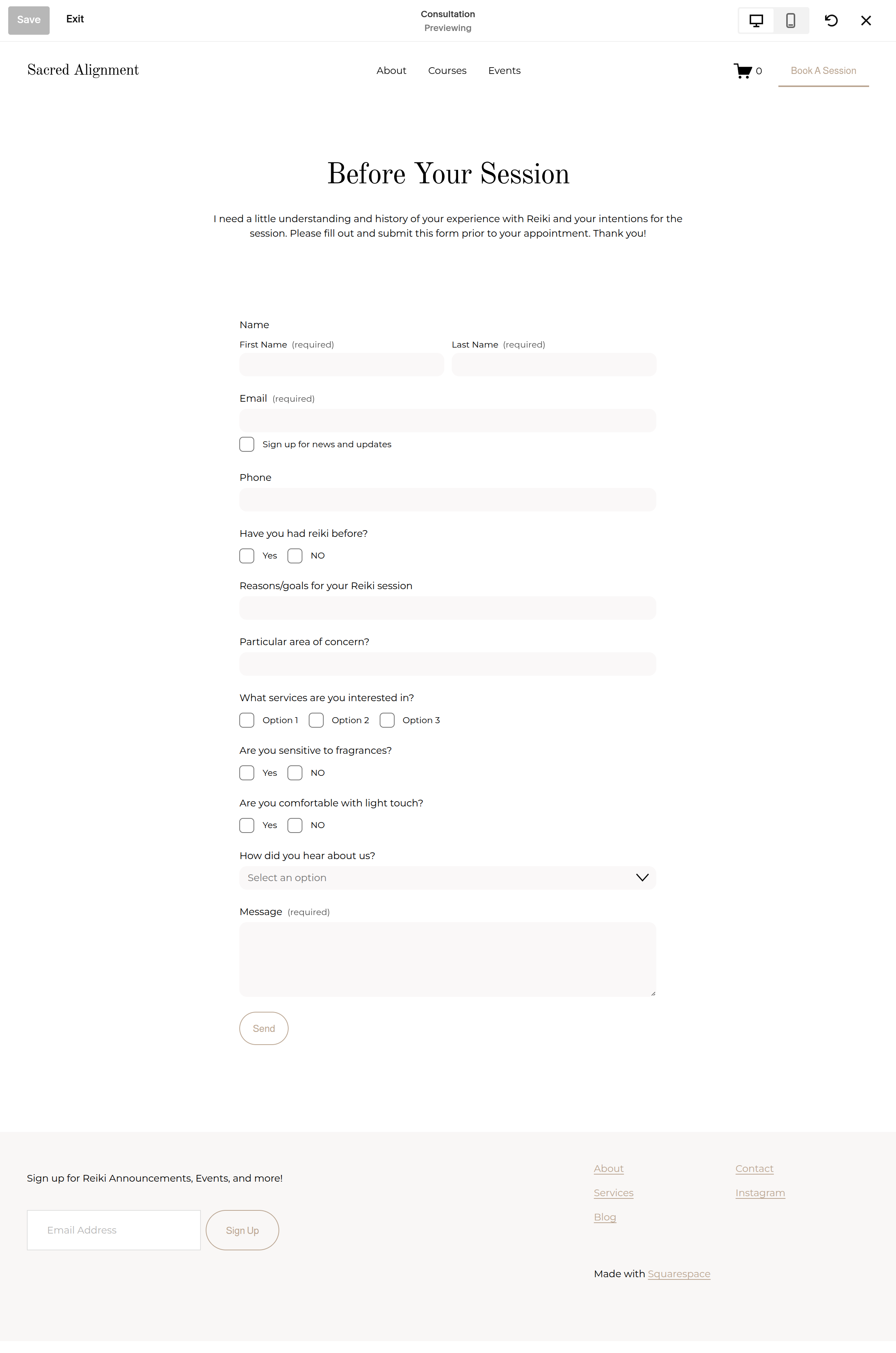
This page is not linked on the website but can be found under pages, below the main navigation. It is a form that can easily be sent to new or returning clients to fill before their session.
Edit Your Consultation Form
At the top of the page, you'll find your contact form alongside an image.
Click directly onto the form, then the pencil to begin editing it.
In the Edit Forms Fields, you can customize the questions and information you're asking visitors to provide.
Next click the edit post-submit to change the submit response.
Lastly, make sure the email notification has your email attached so you receive the messages!