Additional Pages
IN THIS LESSON
Let’s go over your contact page
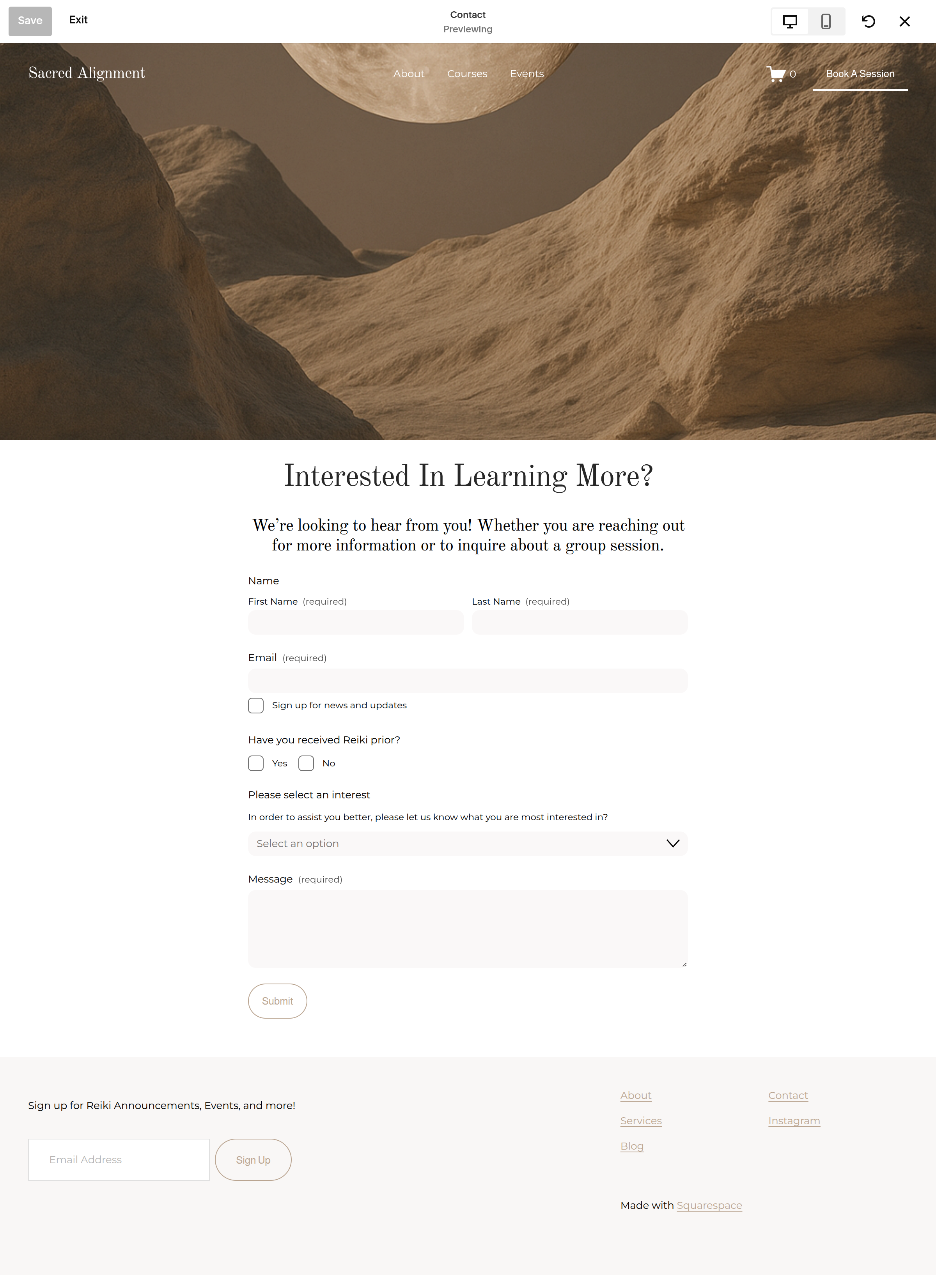
This page is pretty straightforward, but there are a few important things you'll want to customize so your visitors know exactly how to get in touch with you.
The first section is an image. Feel free to swap it out with one that is more on brand. Click the first block, then select edit section. From there navigate to background to replace the photo.
Edit Your Contact Form
At the top of the page, you'll find your contact form alongside an image.
Start by replacing the heading and subheading with information that welcomes your guests to the contact form.
Then, click directly onto the form, then the pencil to begin editing it.
In the Edit Forms Fields, you can customize the questions and information you're asking visitors to provide.
Next click the edit post-submit to change the submit response.
Lastly, make sure the email notification has your email attached so you receive the messages!