Events Page
IN THIS LESSON
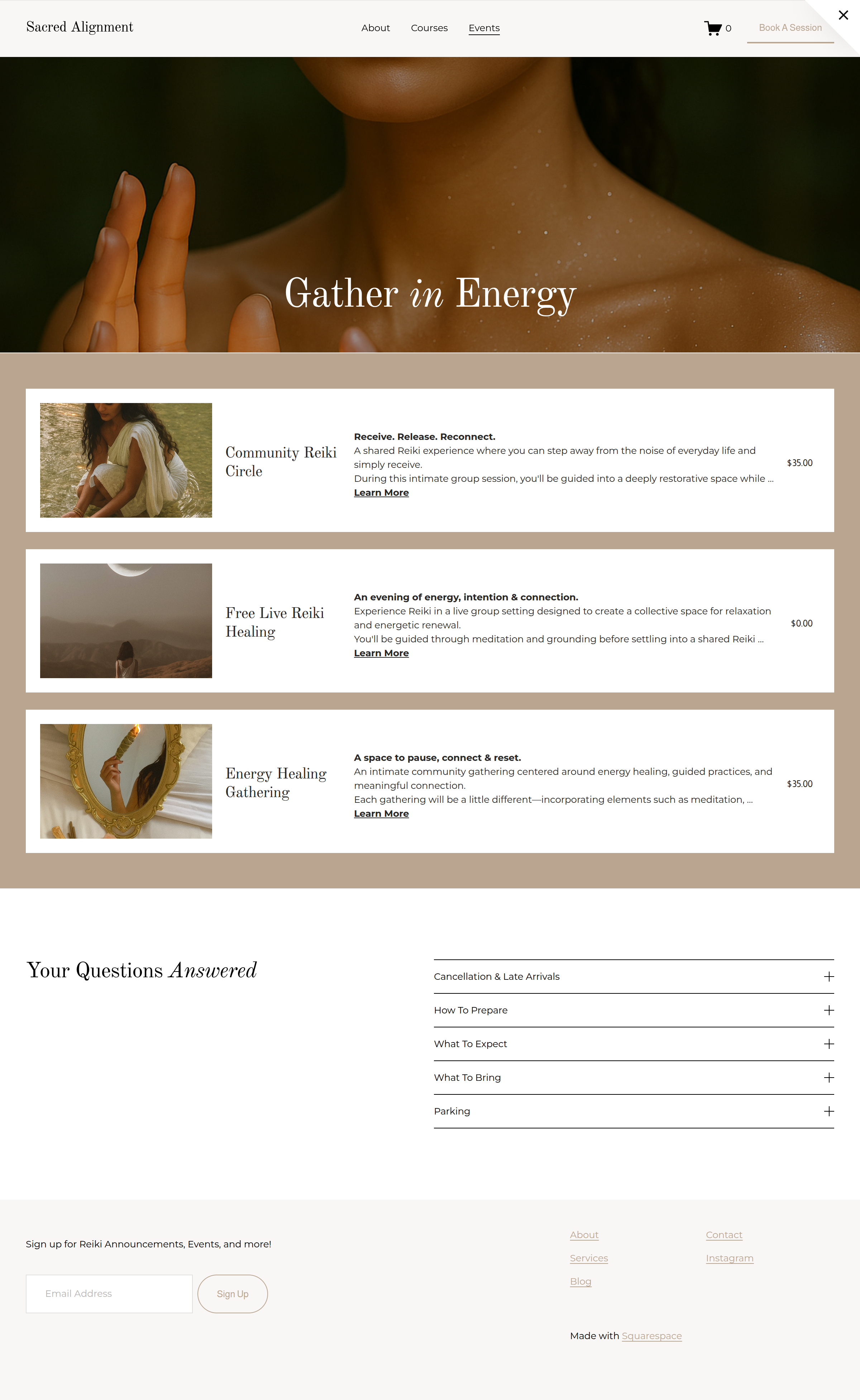
Let’s go over your events page
This template includes an events page that can either be free or paid. There are two parts of creating an events page. The first is the landing page that hosts all events. The second is editing the individual events listed.
Hero Image + Title
The first section consists of an image.
Step 1: Replace the hero image
Click at the block and select edit. Then select background and replace or add in an image of your own.
Step 2: Edit Title
Feel free to click on the heading title and change it to fit your brand.
Events List
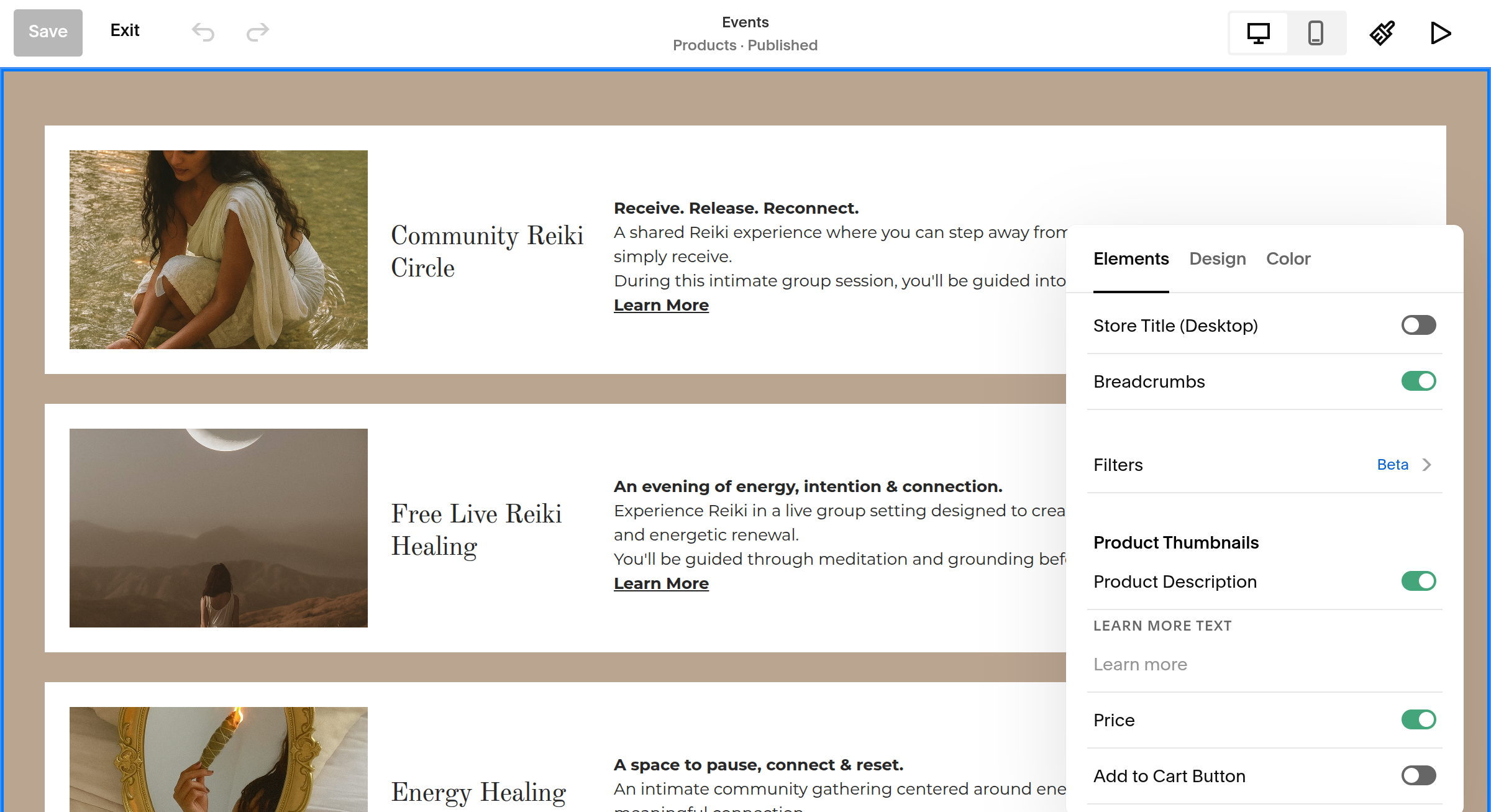
While the list is exported from the events available, you can adjust the layout and design.
Edit Layout
Click at the block and select edit. From there you can toggle on and off which elements you want to show on this page.
Under the Design elements, you can select grid or list. You can also edit spacing and padding.
FAQs
The last section is your FAQ area. This is an accordion-style section, meaning visitors can click on each question to reveal the answer.
Click into each question and replace the template questions with ones your actual customers frequently ask.
Then replace each answer with your own information.
You can add additional questions if you have more you'd like to answer, or remove questions that don't apply to your business.