Events Page
IN THIS LESSON
Let’s go over creating events
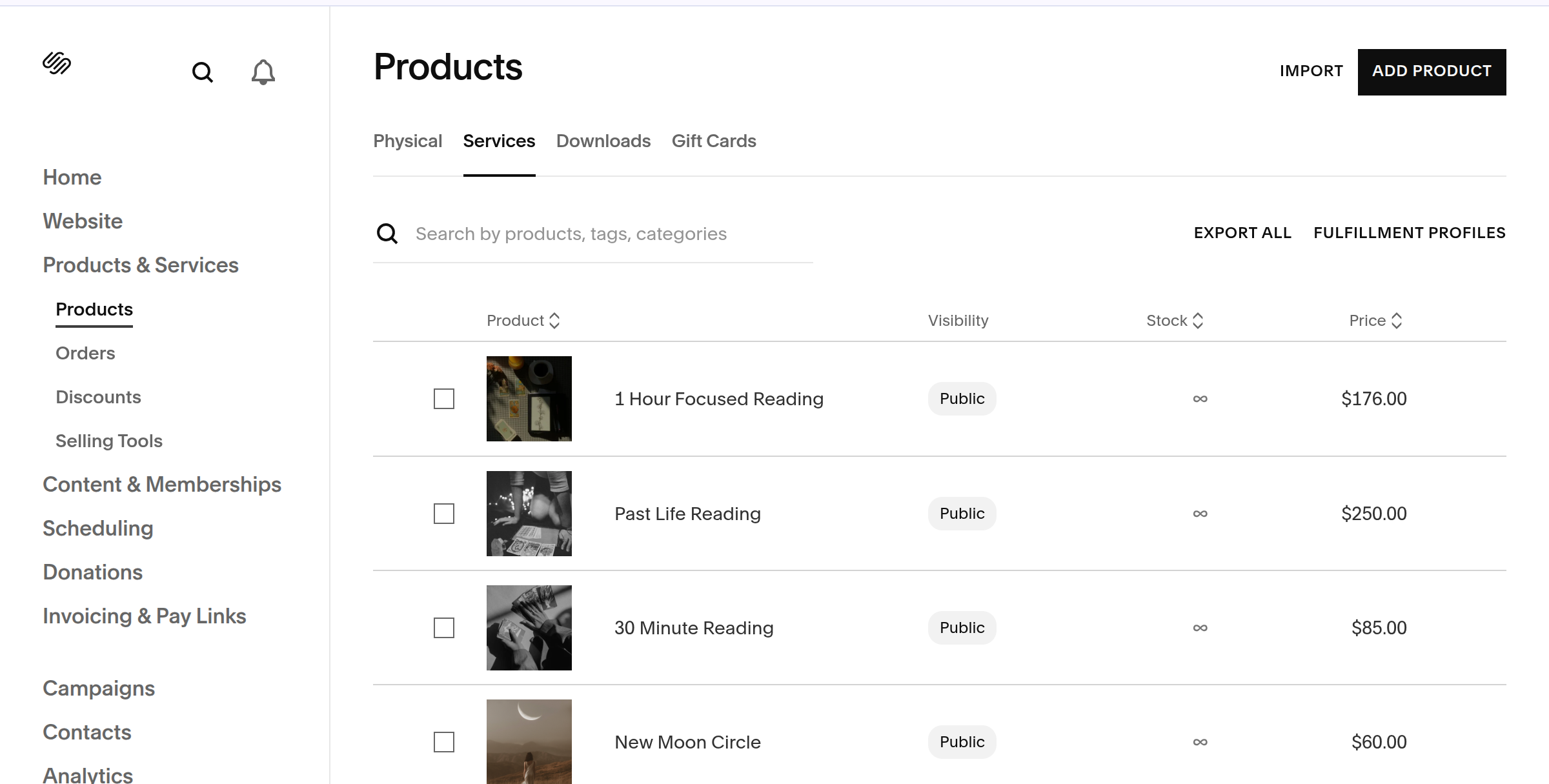
Head over the the product section on the left hand panel of your website. From there you will see a tab called services. That is where you’ll discover events already created in this template.
Click on an event to begin editing with your own information.
Edit Product
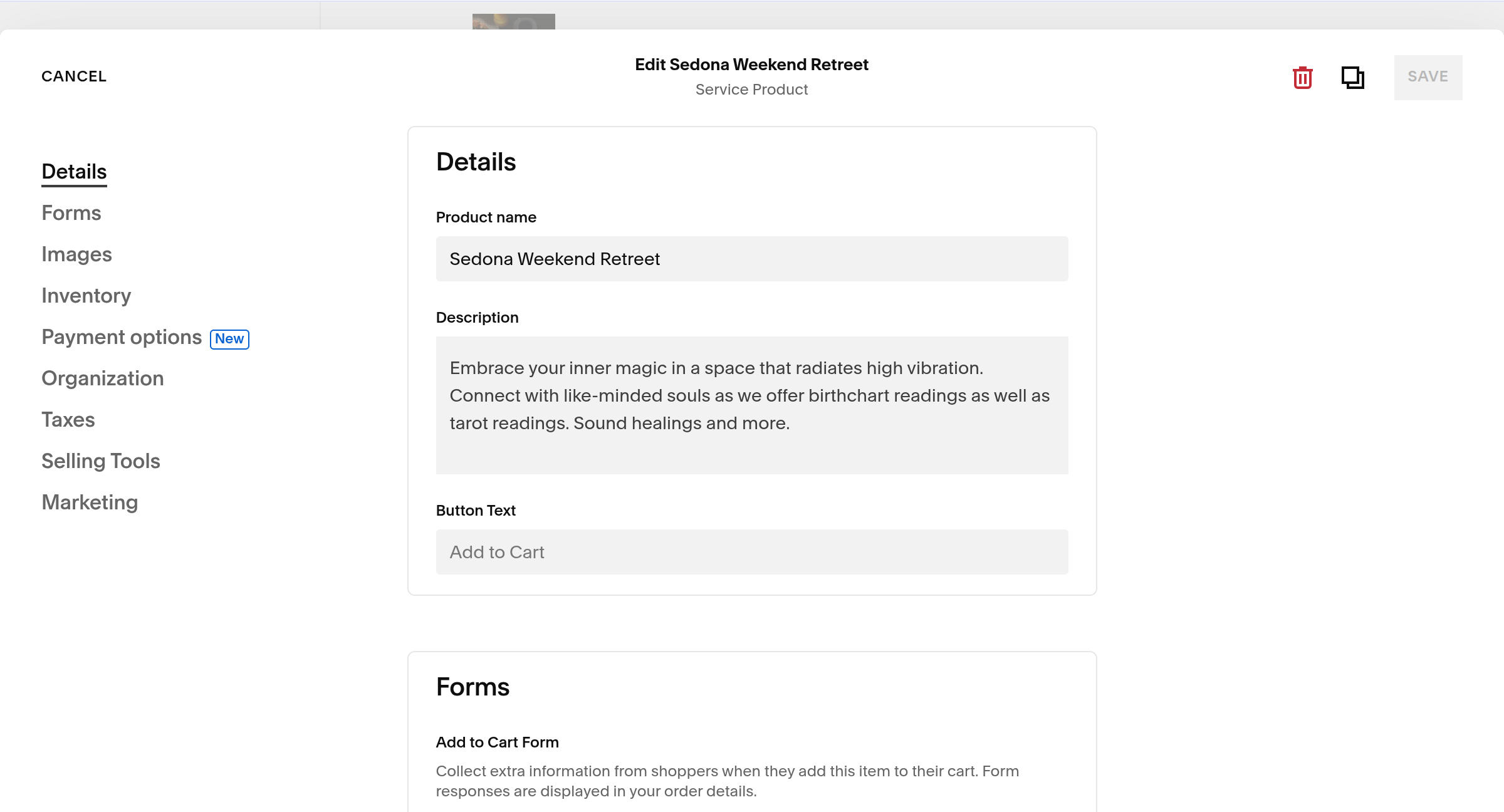
Once you click edit, you will see a long form that allows you to add all the details for the event or service you would like to create.
Start with filling out the name of the event, followed by a brief description. You can add more details onto the actual page in a more aesthetic way in a bit.
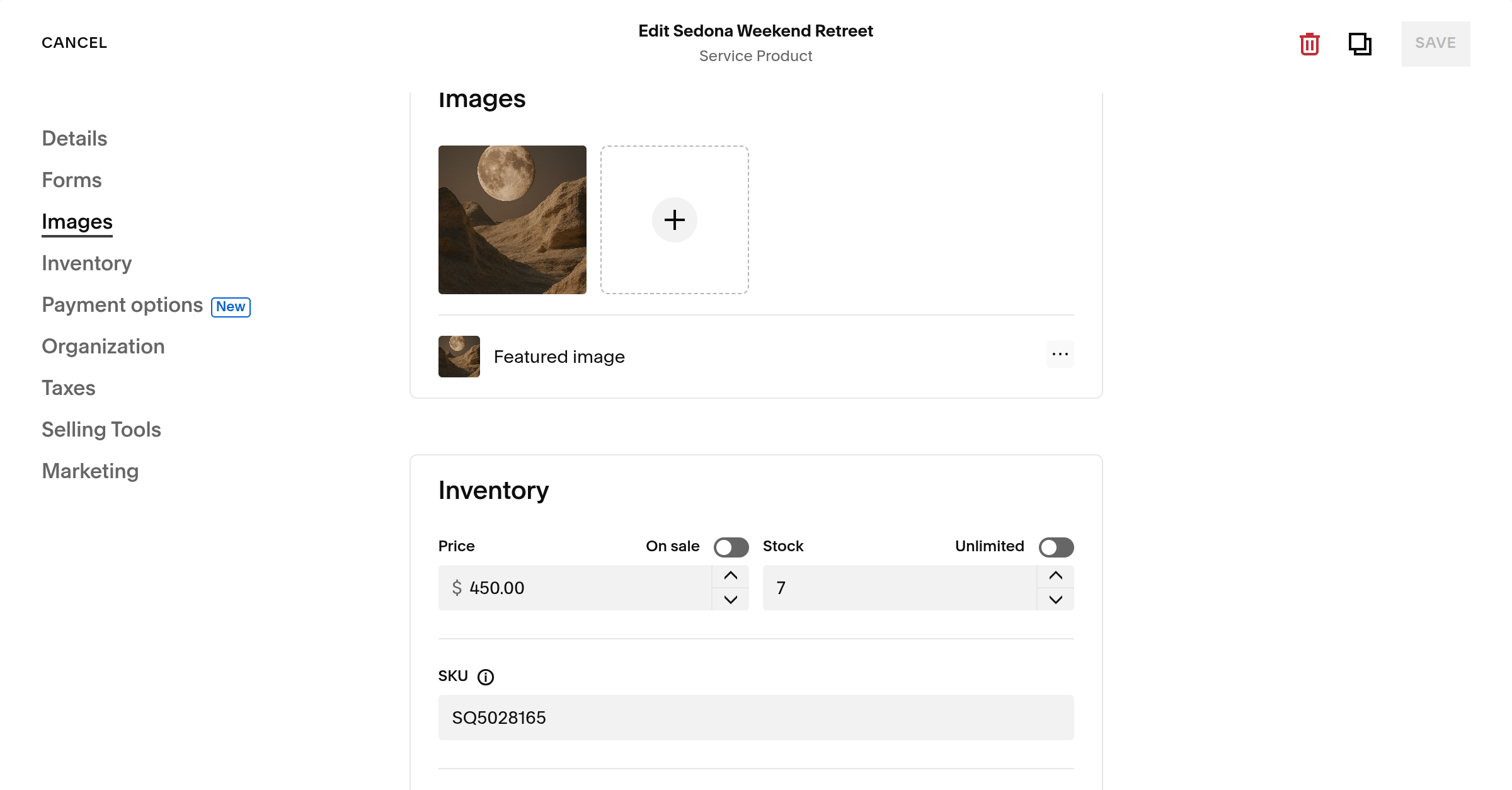
The inventory and image are the other important elements to change.
Once completed click save and then preview. You will then see what the single events page will look like.
Edit Layout
Once you have all your details in and saved the event. Click the three dots beside the event in the products panel. It will give you the option to preview event.
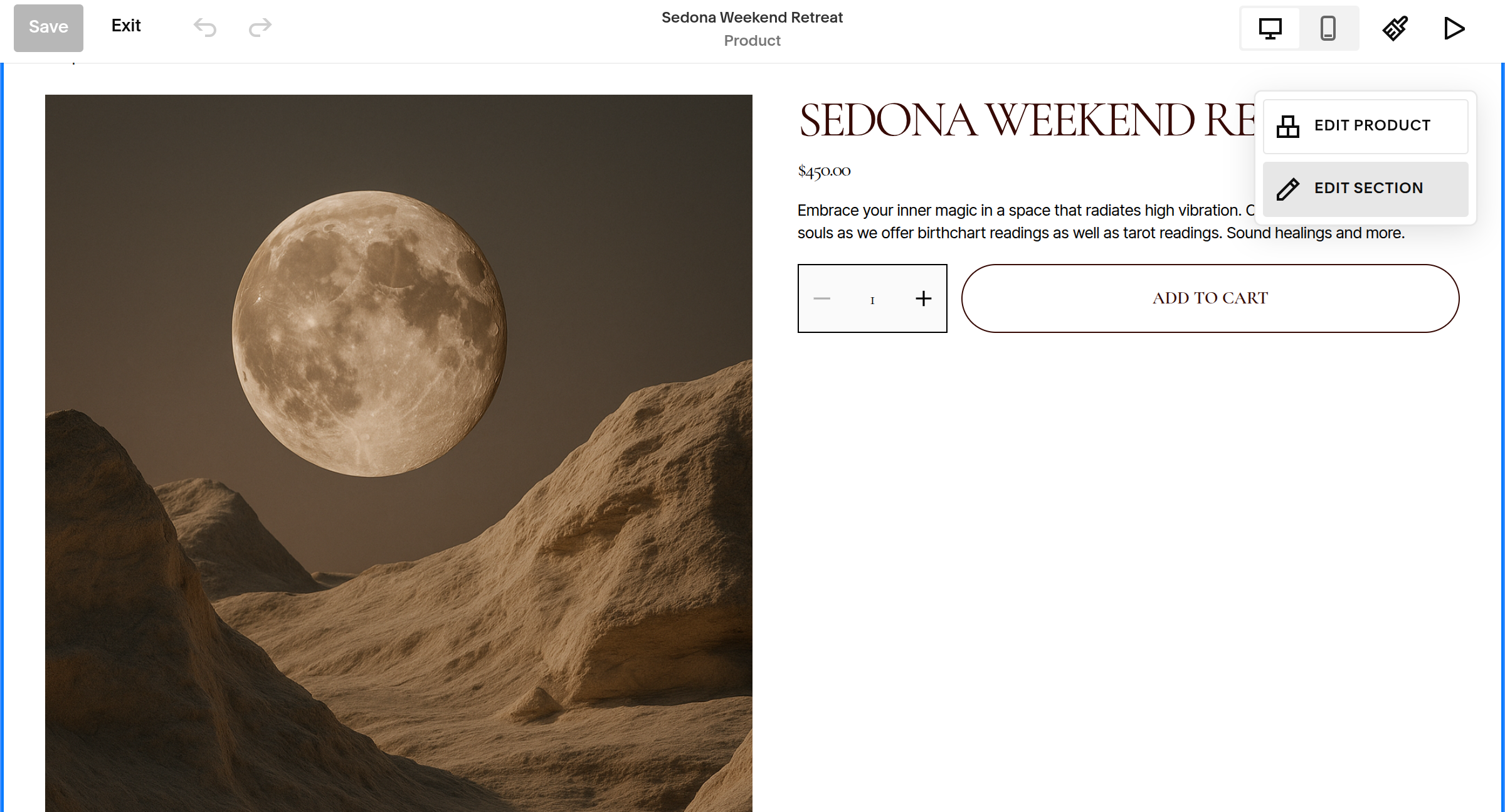
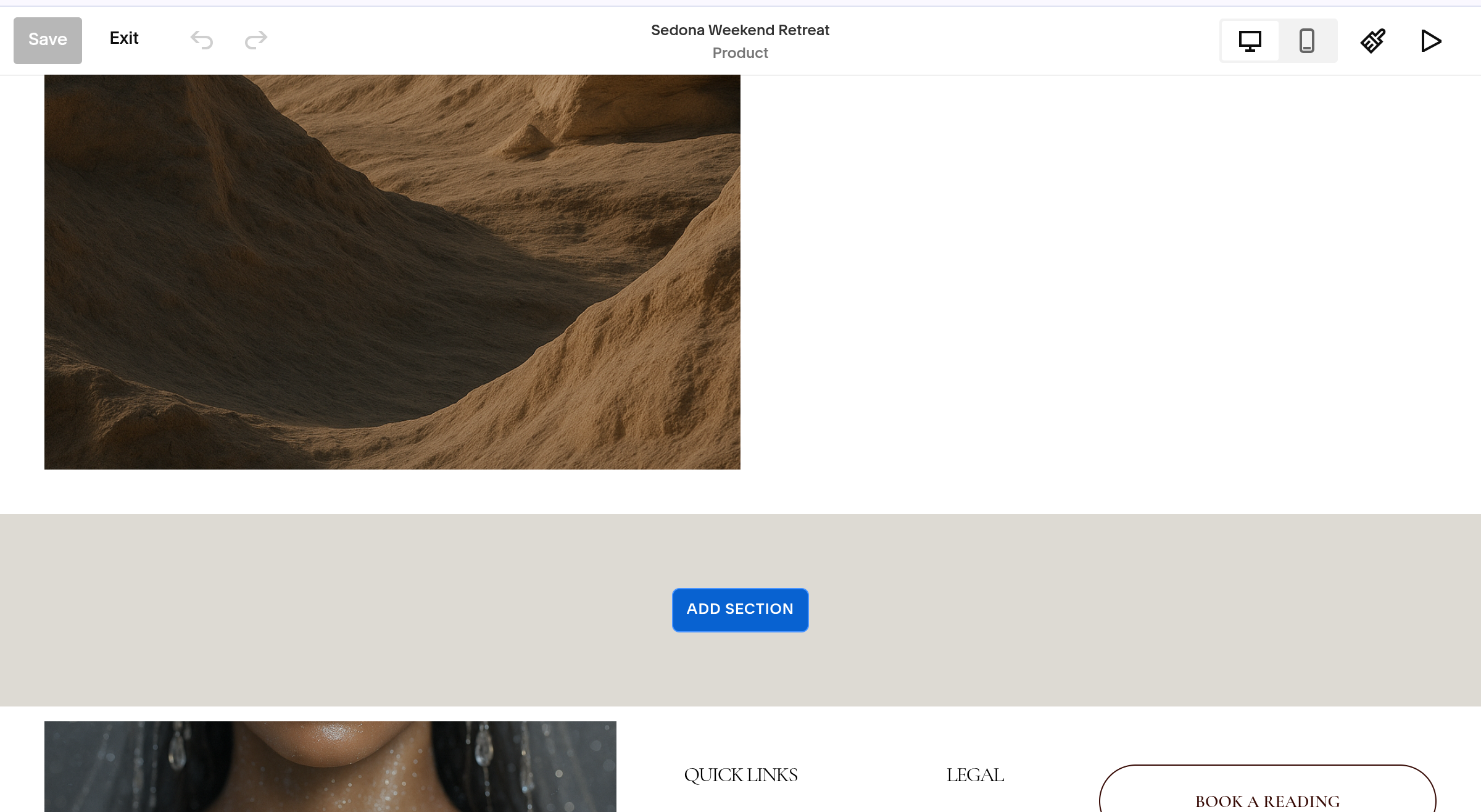
From there you can now see how the single event page will appeared to clients before checkout. You can adjust the layout by selecting edit section.
You can also add more content underneath the first block to add more details in an aesthetic way, such as an accordion or more images! Simply select add section.