About Page
IN THIS LESSON
Let’s Dive Into FAQs
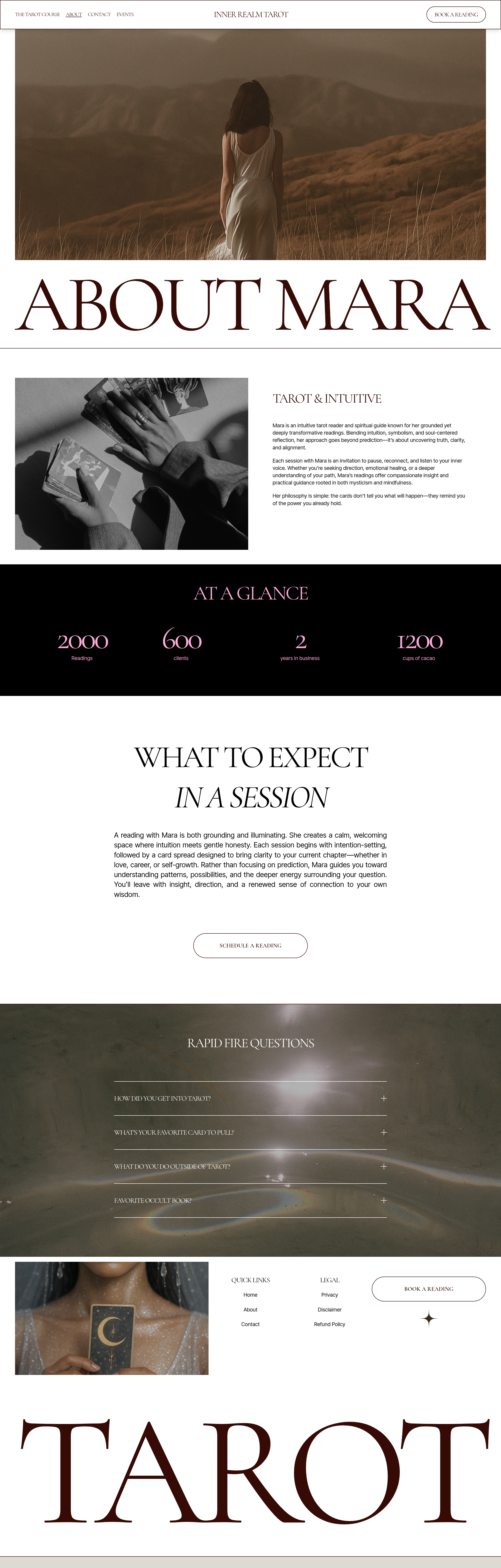
The last section is your FAQ area. This is an accordion-style section, meaning visitors can click on each question to reveal the answer.
To change the background, click on the entire block, click edit section, and then head to the background tab.
Click into each question and replace the template questions with ones your actual customers frequently ask.Some examples of what you might include:
How do I book a session?
What happens after I purchase?
How far in advance should I book?
Do you offer virtual appointments?
What is your cancellation policy?
Then replace each answer with your own information.
You can add additional questions if you have more you'd like to answer, or remove questions that don't apply to your business.
FAQs are especially useful for answering the little questions someone may have before they're ready to contact you or make a purchase.