Home Page Setup
IN THIS LESSON
Let’s Dive Into The Sixth Block: Offers
Next you'll find the booking option section.
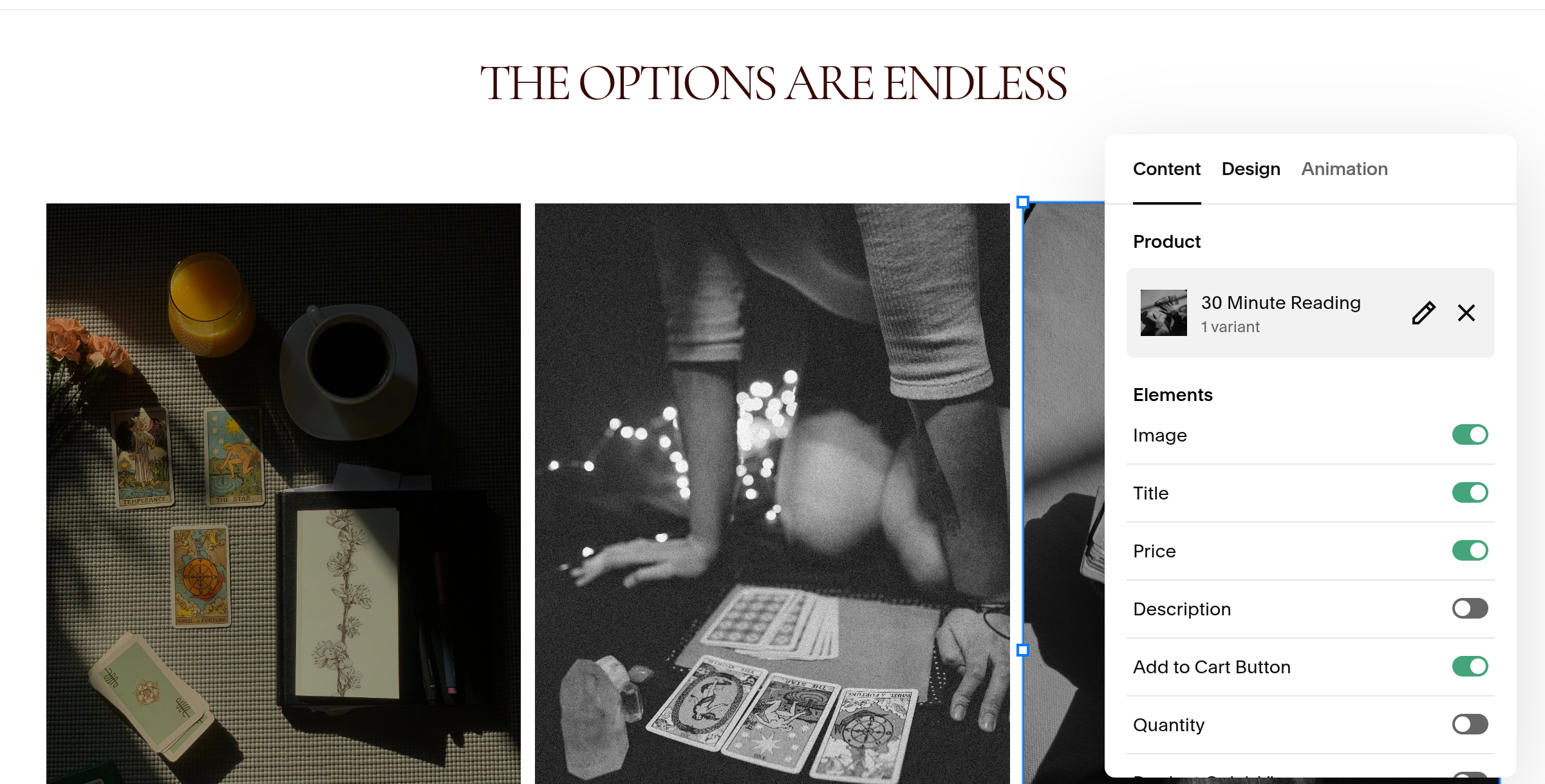
This is where you can showcase the main tarot options you offer. In this template, it includes three placeholders.
How to edit:
Click the title to change if desire
Click each product and swap with your own offer.
Under content you can toggle on and off what elements you wish to showcase
In a future lesson, we’ll go over adding products in. If you prefer using a scheduler instead of purchasing single offers and then coordinate times with clients, you can add in a booking platform in place of this.
Simply delete the products and click “new block”, then add scheduling which is located under the selling tab.