Home Page Setup
Let’s Dive Into The First Block: Your Hero
IN THIS LESSON
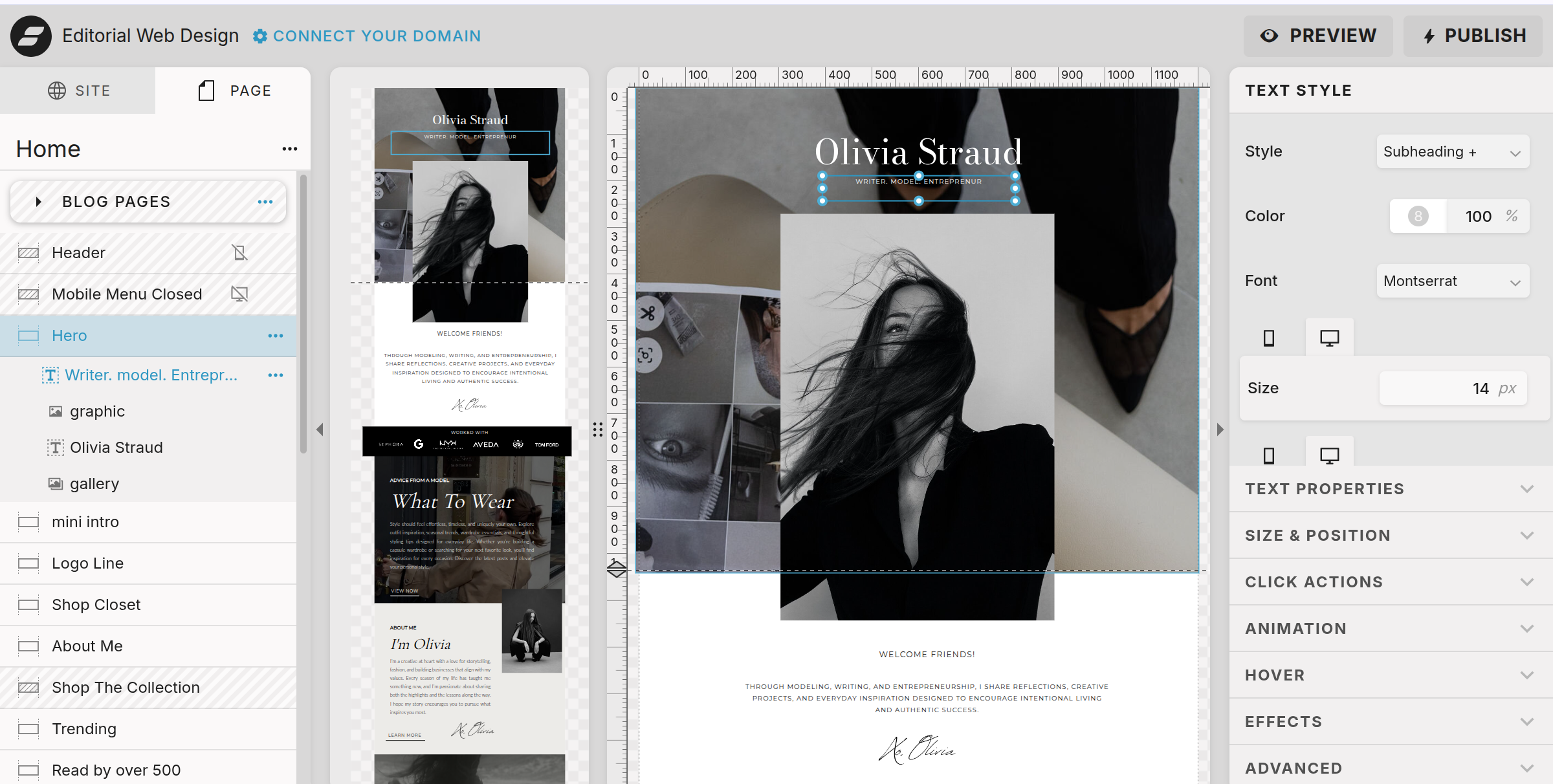
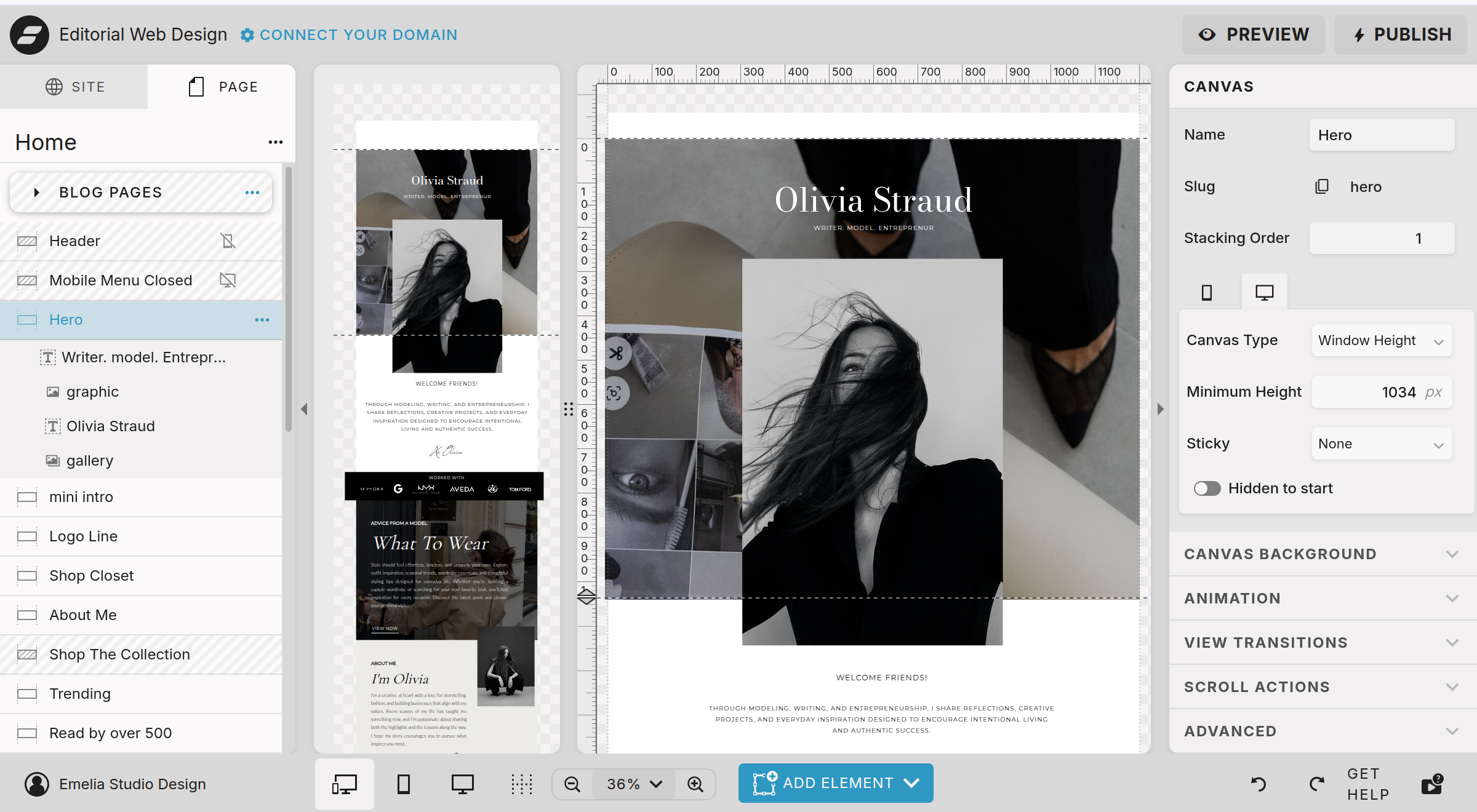
The very first section of your homepage is your hero section.
This is the large section at the very top of the page and is usually the first thing someone sees when they arrive.
In this template, the hero includes a large gallery background, a main heading, supporting text, and a image in the center.
This is your opportunity to immediately tell someone who you are, what you do, and what they can expect from your website.
Change The Gallery
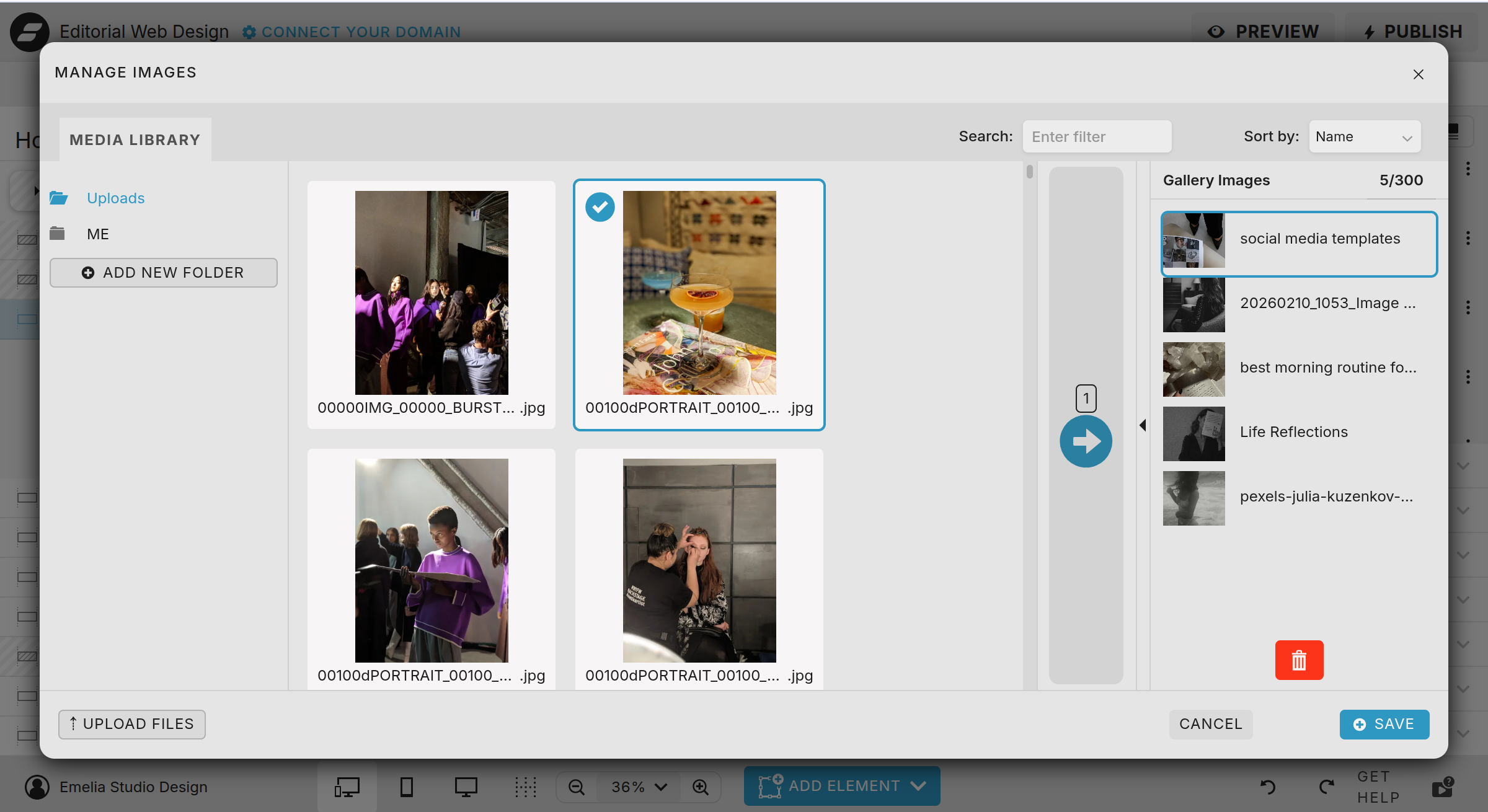
To replace the background gallery images:
Click the background
Click Gallery Images
Click Manage
From there you can import your own images, add them to the gallery and delete images.
SEO Tips
Change the image name to a keyword.
Change The Text
Click directly on the heading and replace the template text with your own.
The right hand panel will give you the options to adjust the size and font if desired.