Home Page Setup
IN THIS LESSON
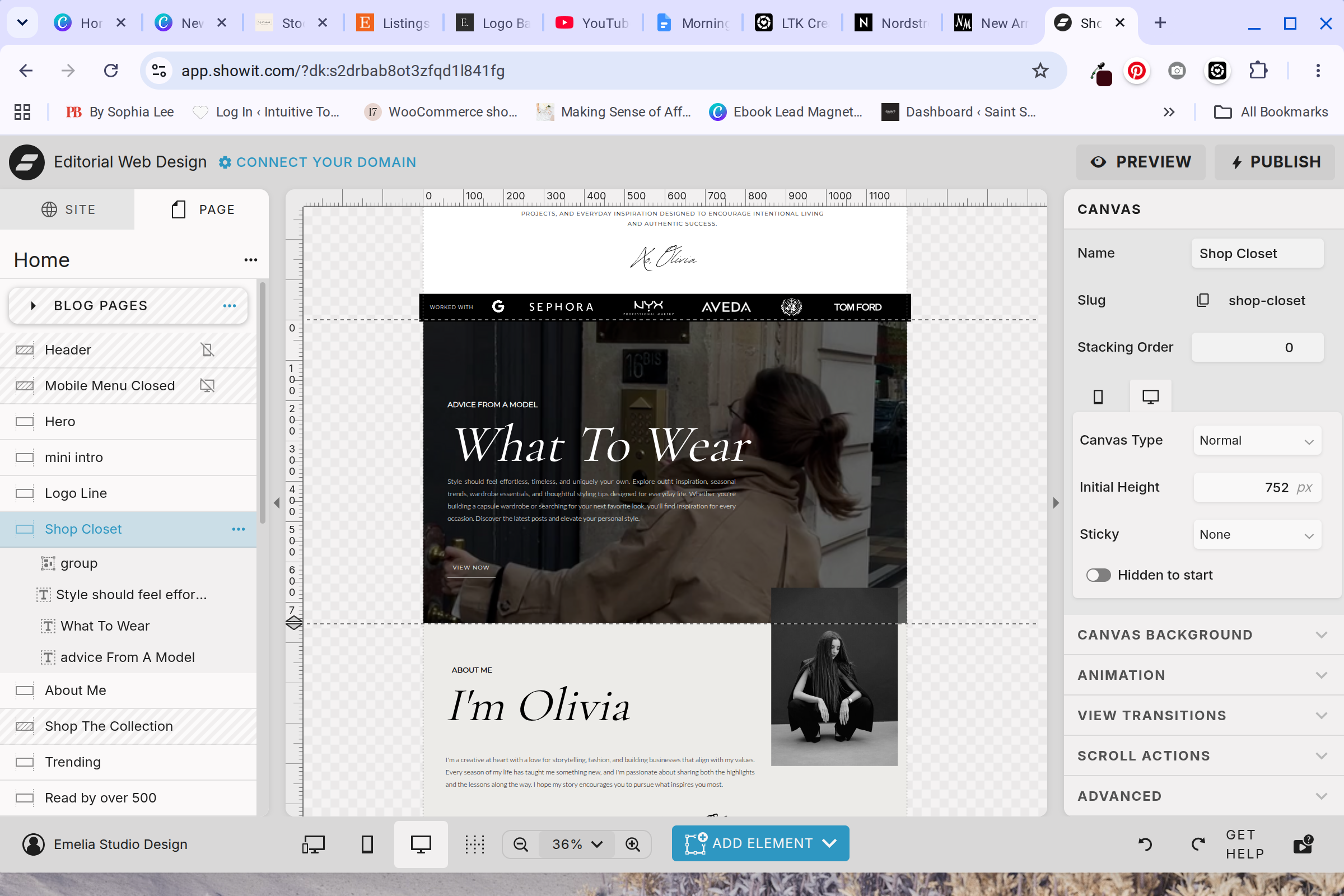
Let’s Dive Into The Fourth Block: What to Wear
The next section is a video background with a mini introduction to your shopping pages or guides. This can easily be transformed into any other niche and pointed to any other page.
Step 1: Replace the Background
Feel free to upload one of your own videos or replace the background entirely with an image of your choice. Click the section, then on the right hand side, locate background.
Step 2: Swap out the text
Following the background, the old items left to change are the text boxes. Swap the text with your own. Add click action in the right hand side to point to the desired page.