Shop & Service Landing Pages

IN THIS LESSON
Let’s go over your shop page
This is quite a long and length page to go through, however, the beauty is— it’s essentially the same method all the way through. So once you master the first few sections, you will know exactly how to edit the rest. And if this is too much shopping space, remember you can always hide sections in the left hand panel until you are ready to use them. Shall we start?
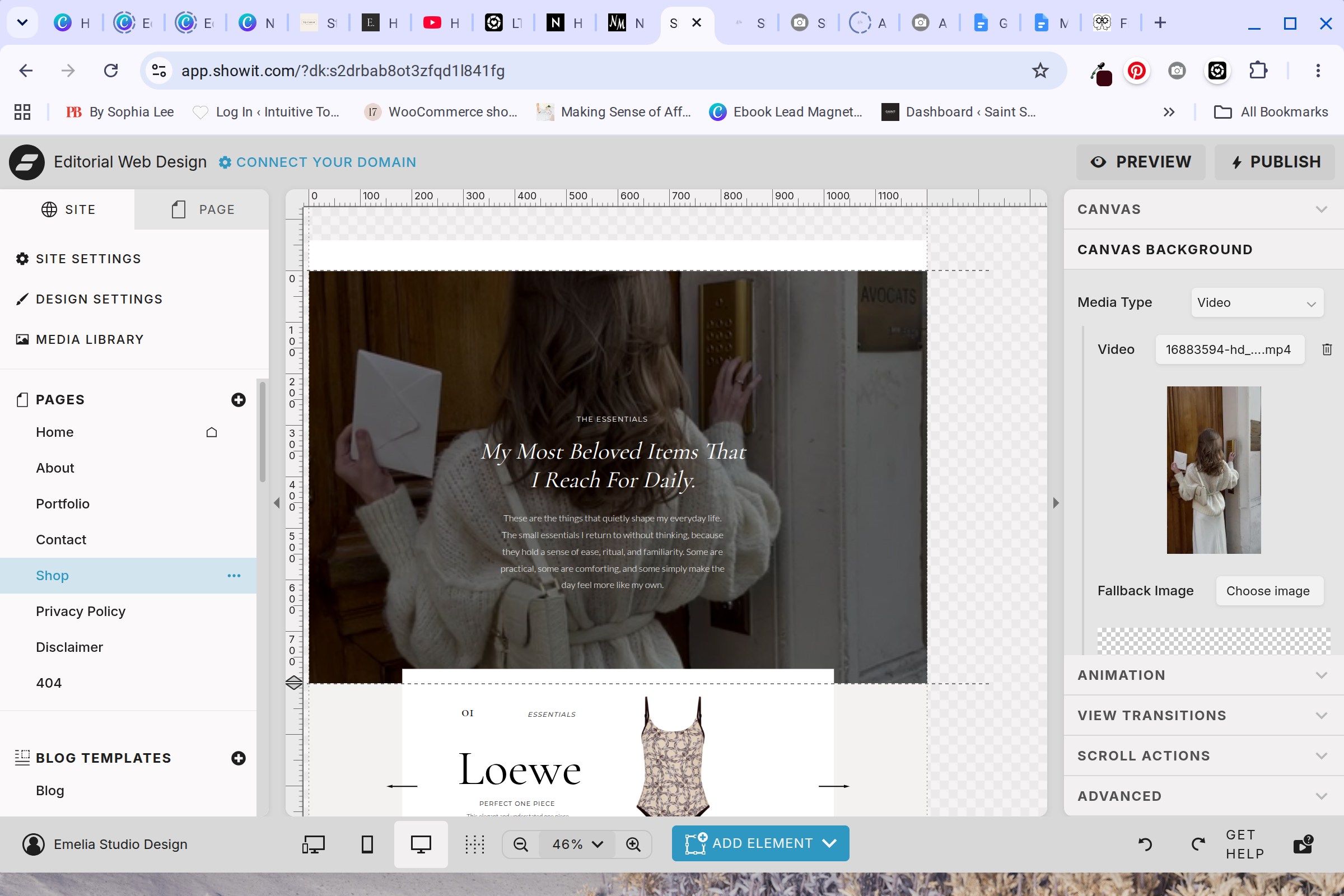
The Hero Video
The first section is a large hero video playing in the background with text on top. Replace the video of your own if you desire. If you scroll down on the right hand side, you will see opacity and background color. That is how to make the video appear darker so the words are easier to read.
Replace all the text with your own, and you are officially done with the hero section!
The Favorites Carousal
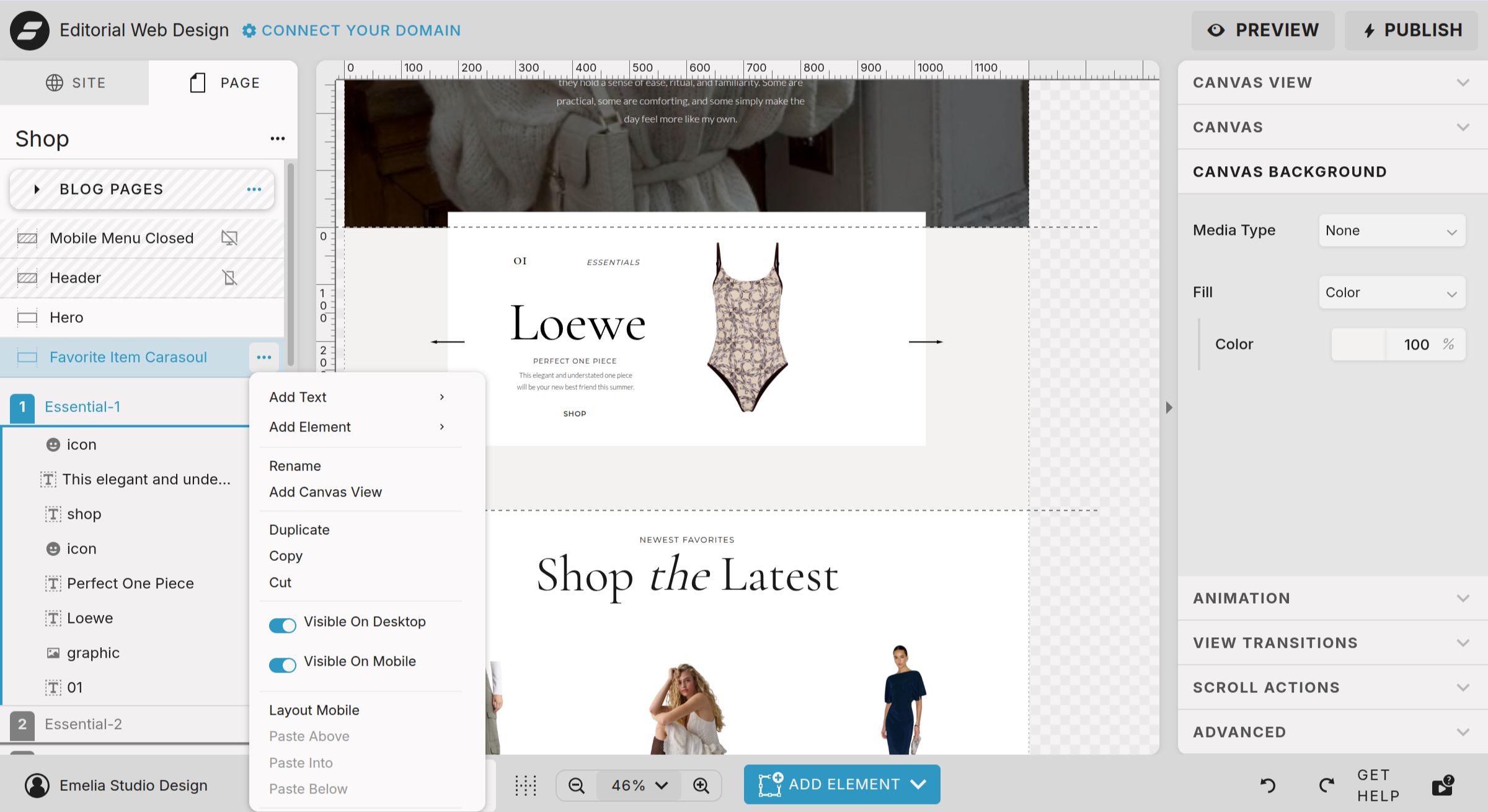
The next section is a favorites carousal which includes multiple parts. This is seen again down the page. So once you master this, you will be set! Also remember, you can always hide this in mobile or desktop if you wish. Using the left hand panel to do so.
To edit, all you have to do is replace the product and text under each tab in the left hand side. All the technical elements are already configured. If you want to change the background color of the canvas, you can do so on the right hand panel. Same with fonts and sizing.
Click each tab and locate the product image, press swap
Click the text boxes to replace with the product information
Click the shop button and edit the click action to point to where the product can be shopped
Highly recommend to add a click option for every element so that it is easy to shop each part of the carousel
Shop The Latest
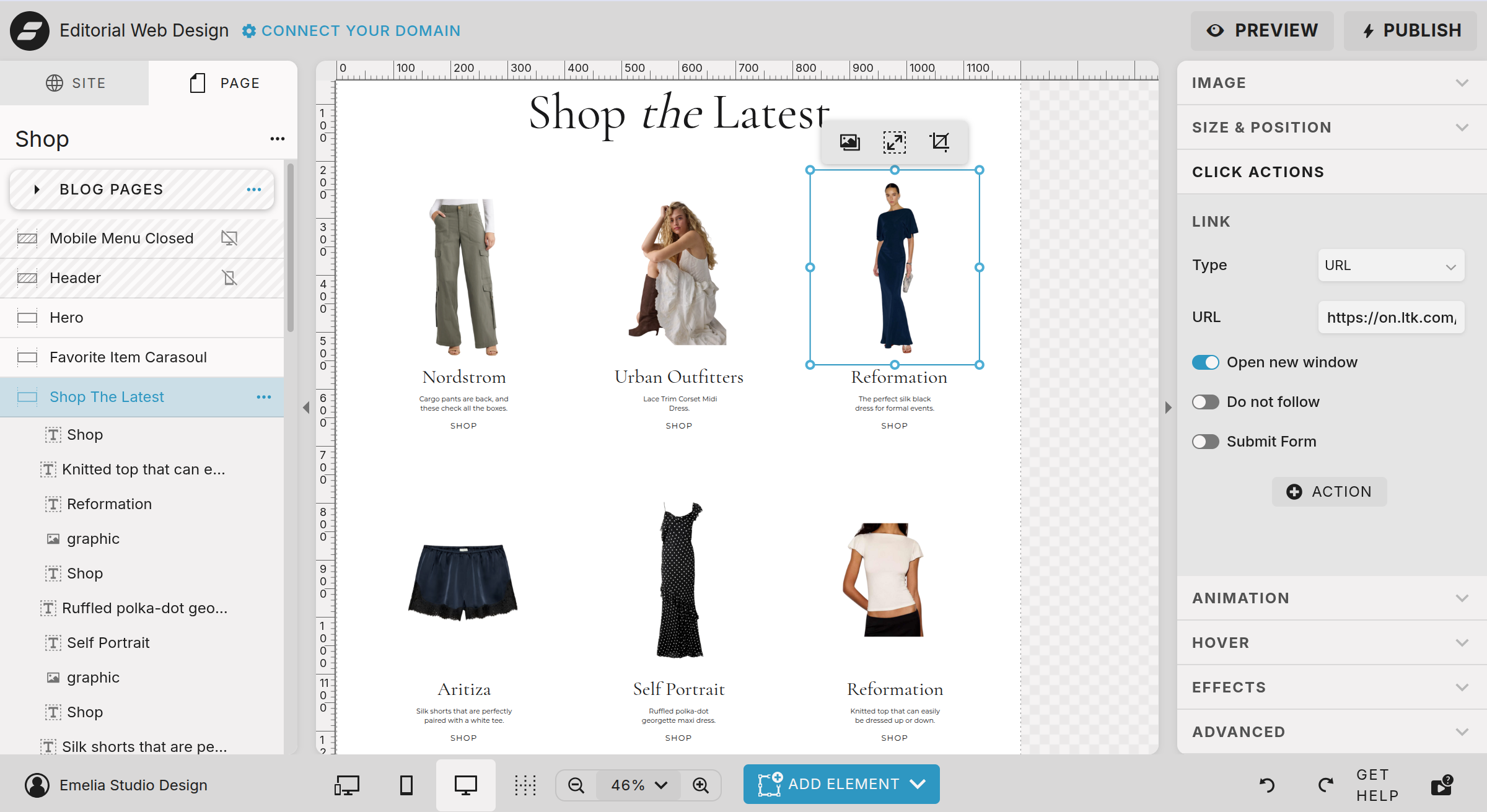
The last block that is repeated through this shop page is very similar to the shop the latest. It might look a tad different, but it is the exact same editing method. Which is really really straight forward.
To edit this section:
Replace each product and add a click action to direct to were to purchase
Change the product title and description under each product and add a click action as well
That is it! The main suggestion is to make sure the product has a transparent background to make it look seamless.
Shop My Feed
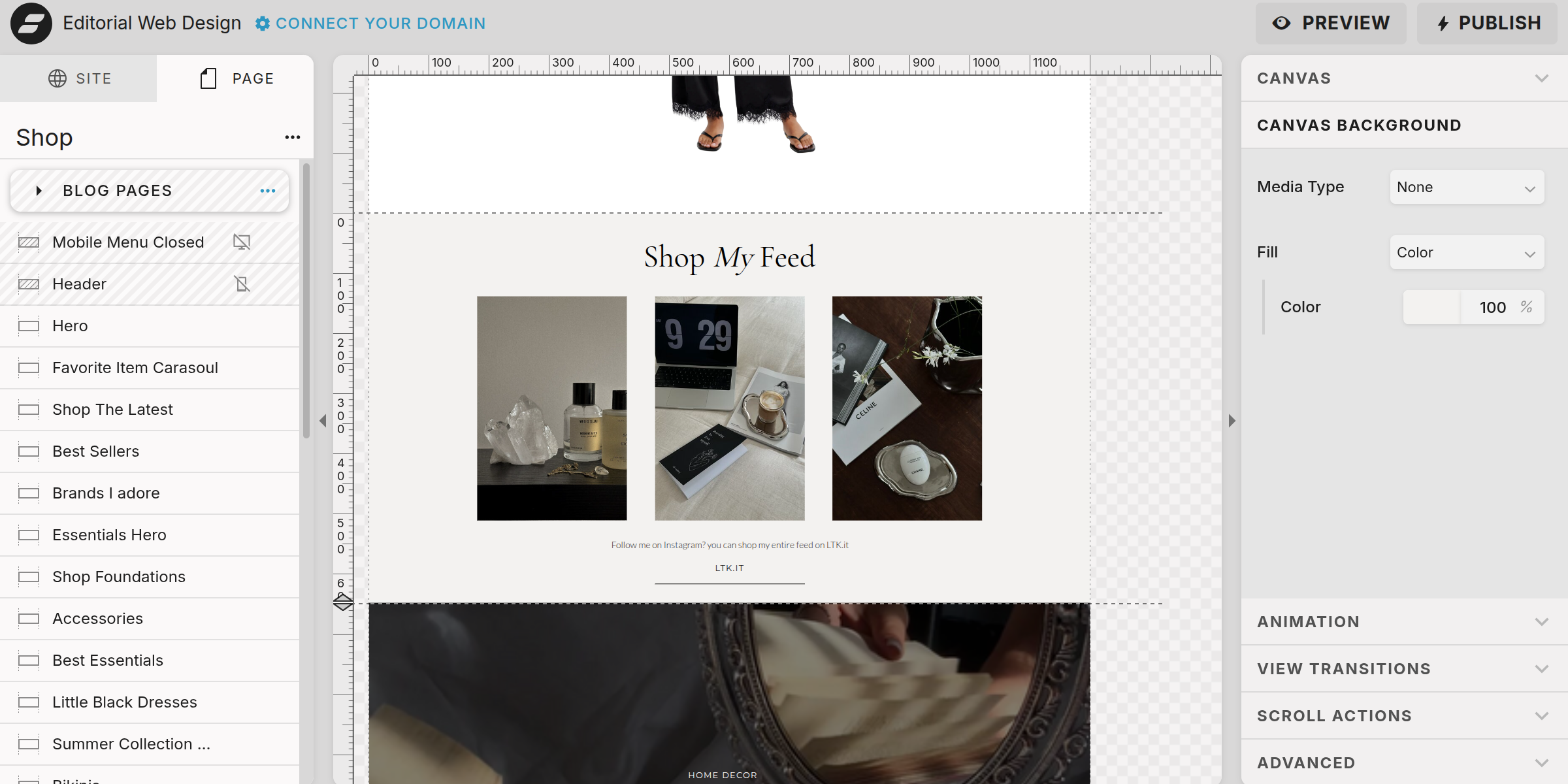
The only block that is different is the shop My Feed section. This is the prime place to live to your Like To Know It profile, or other affiliate marketing space.
To edit this section:
Replace each image and add a click action to direct to your profile
Change the description and button to direct to your profile
That is it!