Home Page Setup
IN THIS LESSON
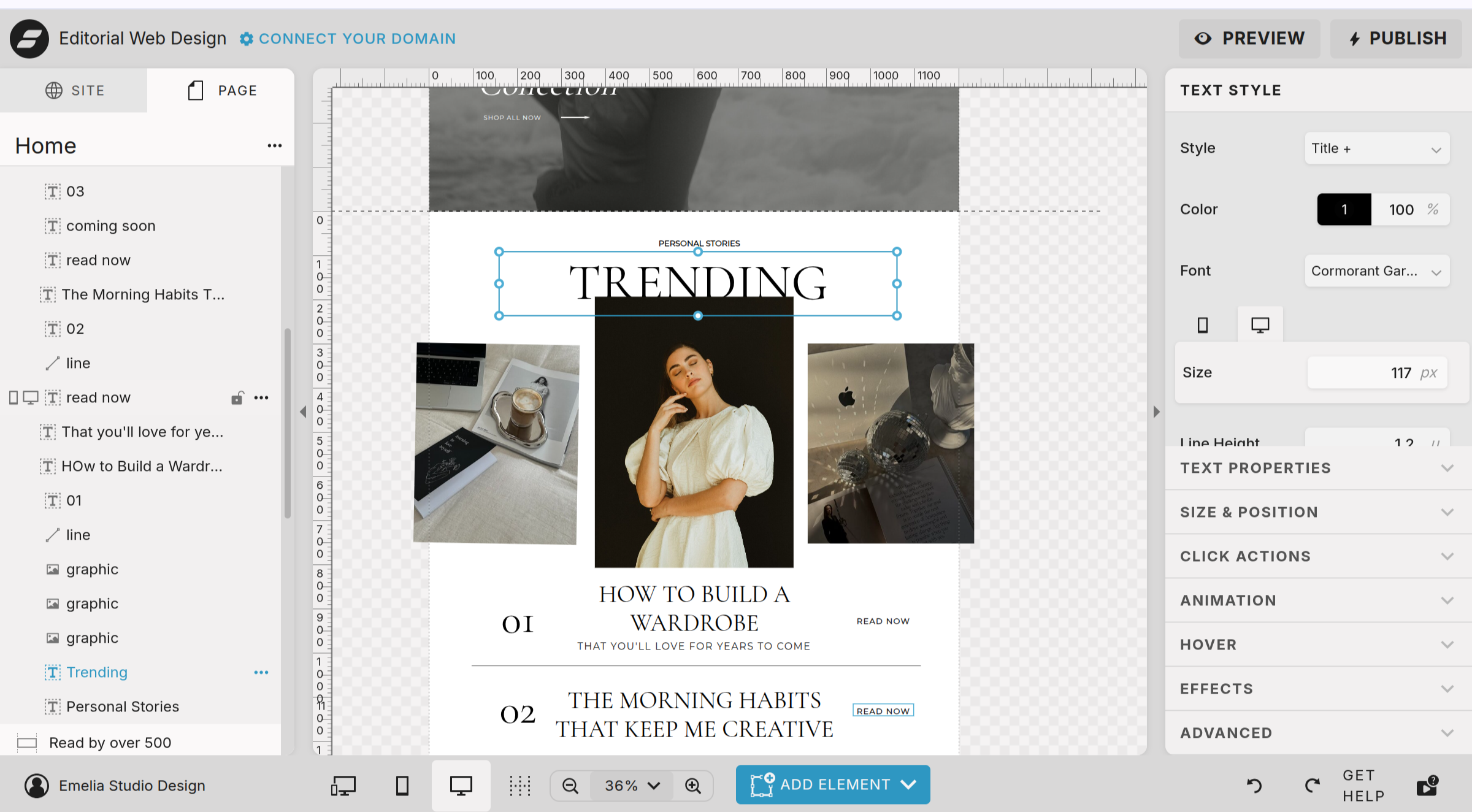
Let’s Dive Into The Trending Articles Block
If you have a blog or a substack, this is a wonderful place to showcase your best articles.
Everything is very much the same type of editing we have been doing thus far. Swapping images, text, and click actions to the appropriate URL. The only thing to note on this page is the title Trending is layered behind the image. If you wish for it to be in front of the image, drag the trending element in the left hand side panel up above the image element.
I highly suggest linking every element (number, title, and read now text) to the URL you desire. To do so:
click on the element one by one
select click action in the right hand side
then add the appropriate URL