Home Page Setup
Video + Menu
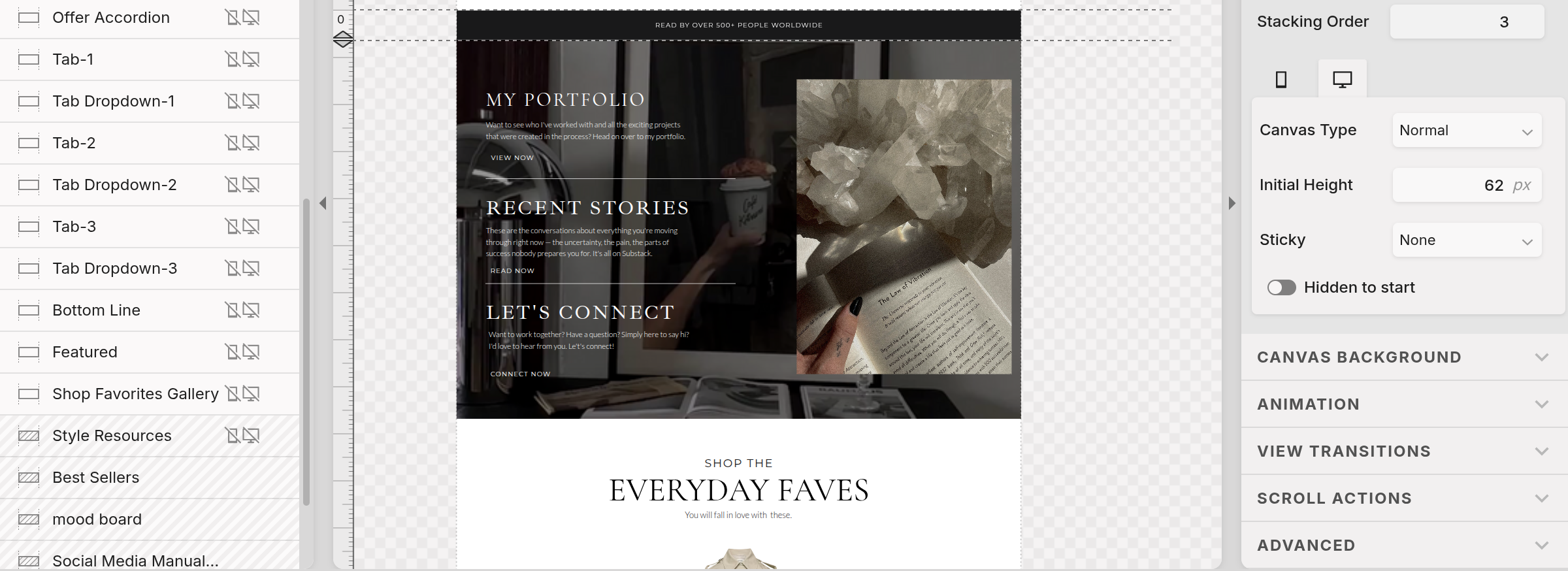
Right after the thin banner you will find a large canvas with several elements within. This acts like a beautiful menu highlighting your three main points. In this template the three main points are: the portfolio, recent stories, and contact page. However you can swap those out for any three pages or highlight anything you find to be important.
The first step is swapping the video for your own. This is done by locating the background tab under the rightside panel.
Next swap the image for your own, or simply delete the element if it feels too busy.
There after, change each heading and paragraph to highlight your brand. Each element has a click action associated, so make sure you edit the click action as well!